

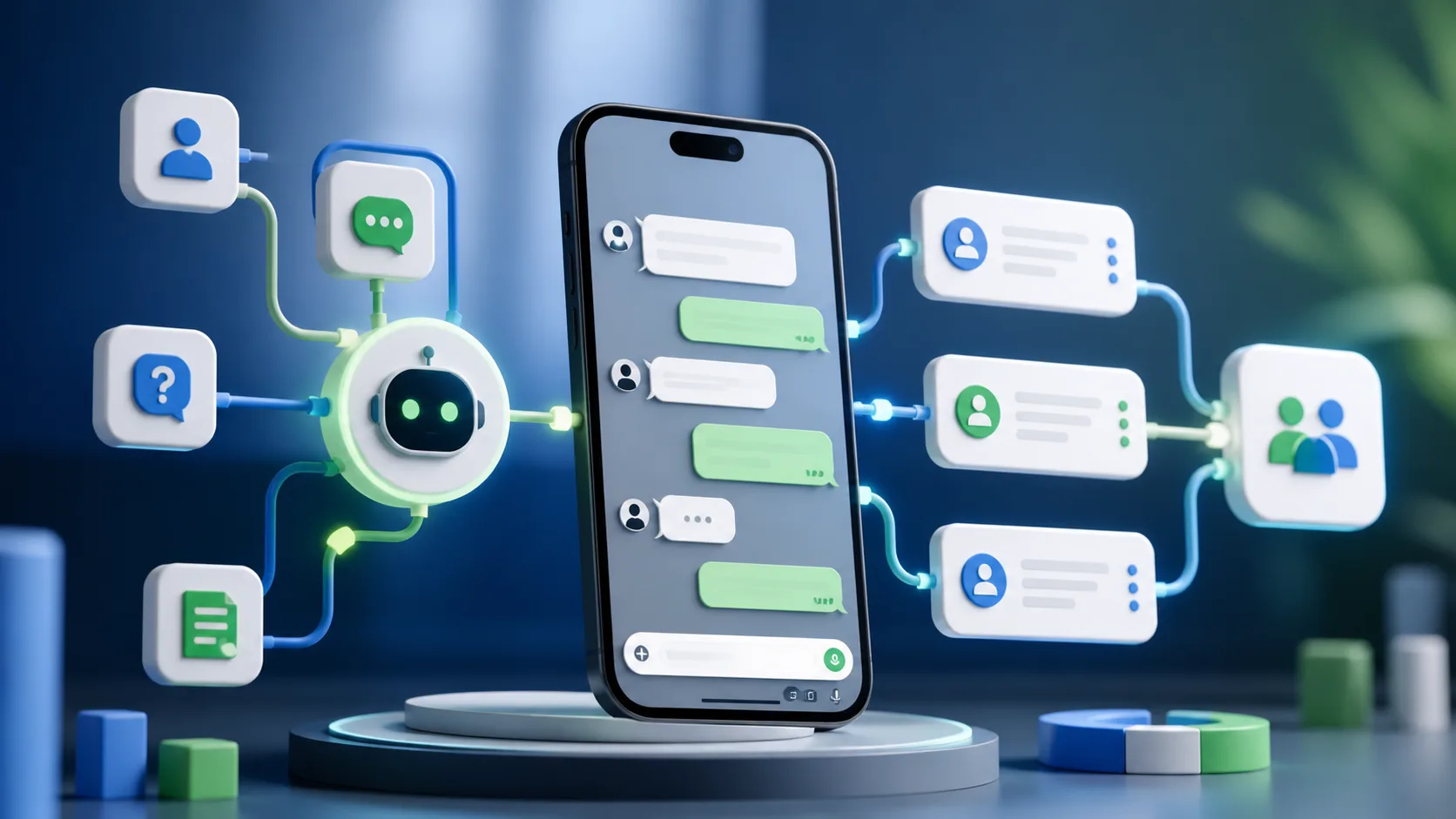
Begin with consent and a clear purpose
Collect a valid opt-in, explain what messages the person will receive, and provide an easy way to stop. Use approved WhatsApp Business tools and message templates where required, and follow applicable privacy and platform rules.
Do not purchase lists or treat a form submission as permission for unrelated promotions.
Map the lead journey before adding AI
Define triggers such as a new enquiry, missed call, quotation sent, appointment approaching, or period of inactivity. For each trigger, decide the useful message, timing, owner, and stop condition.
Prevent duplicate messages when the salesperson has already replied or the lead has converted.
Use AI for context, classification, and assistance
AI can summarise form details, classify intent, suggest replies, answer approved FAQs, translate simple messages, and route leads. Keep critical pricing, legal, medical, financial, and commitment-related responses within controlled content and human review.
Give the system access only to the data it needs and log important actions for quality checks.
Create a natural sequence
The first message should confirm the enquiry and offer a useful next step. Later messages can share the requested information, answer an objection, remind the person of a booking, or invite them to choose a convenient time.
Keep messages short, specific, and easy to answer. Stop when the person opts out, declines, converts, or needs human help.
Measure service quality as well as speed
Track response time, reply rate, booked meetings, qualified leads, conversions, opt-outs, unresolved conversations, and handover success. Review transcripts periodically to find unclear information and automation errors.
The best WhatsApp automation feels like timely service. Combine clear consent, relevant context, controlled AI, and an obvious path to a real person.
Ready to put this into action?
